Using images
Image quality
On Somfy websites, images will be displayed on both small mobile devices and large, high quality screens.
It is essential to balance image quality with file size (affecting loading time), as this contributes to better user experience, improved SEO performance, and higher accessibility. [1]
→ Avoid using images that appear blurry, pixelated, or overly compressed
Recommendend Export settings
Each file format has its advantages and drawbacks in terms of quality versus size ratio. Consider the following recommendations:
Export format
- Use WebP when possible*
- Otherwise:
- Use JPEG for photographs
- Use PNG for logos, illustrations and products images
- Use SVG for icons or vectorial graphics
File size should be less than 2 MB
Resolution should be 72dpi* This may depend on your CMS technology.
Note: when exporting to jpg, you can set advanced parameters like compression rate. Find balance between size and quality. Check the result on large or dense screen.

Try this
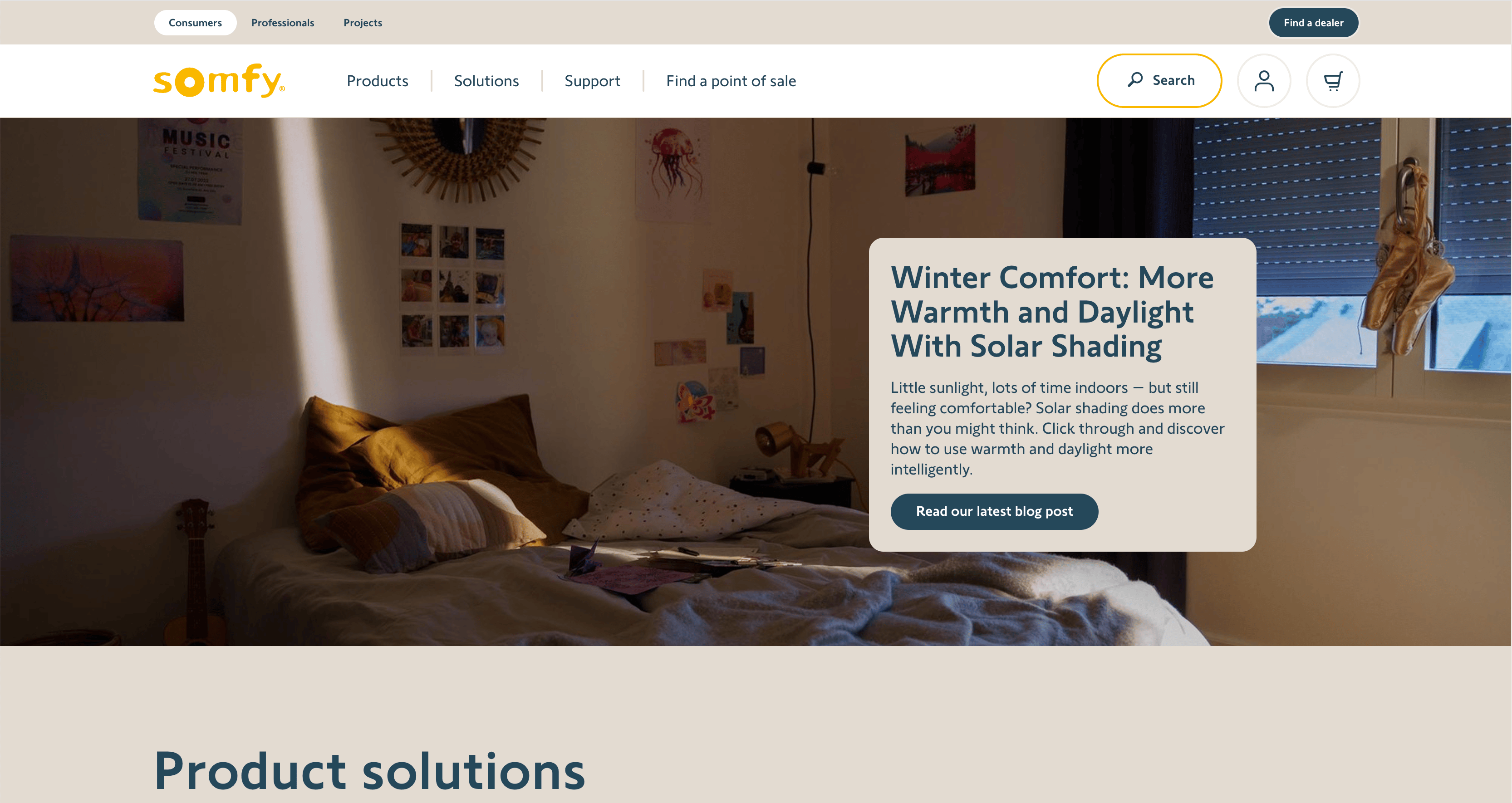
Clean large image

Avoid this
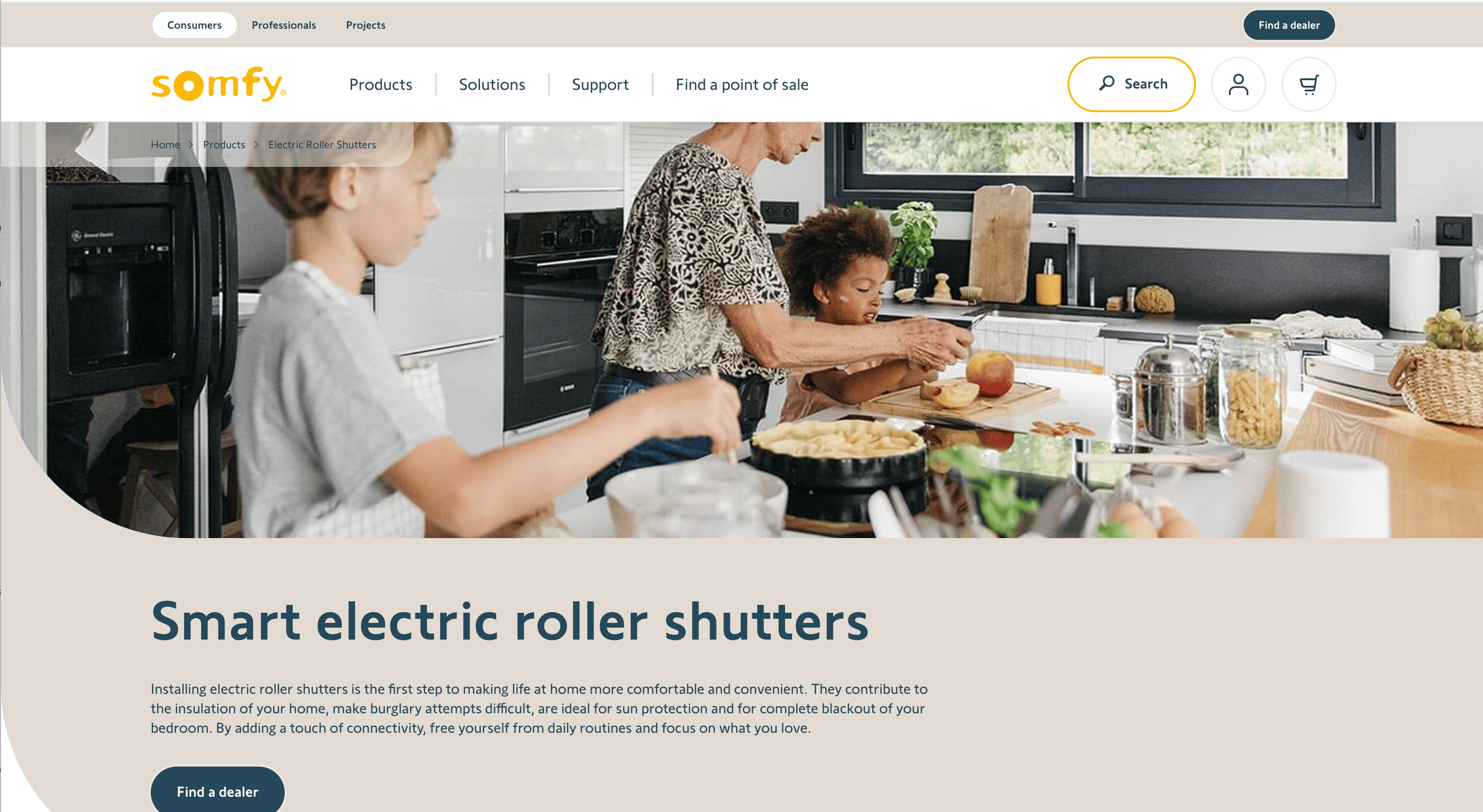
Pixelated, “noisy” compressed image
Try this
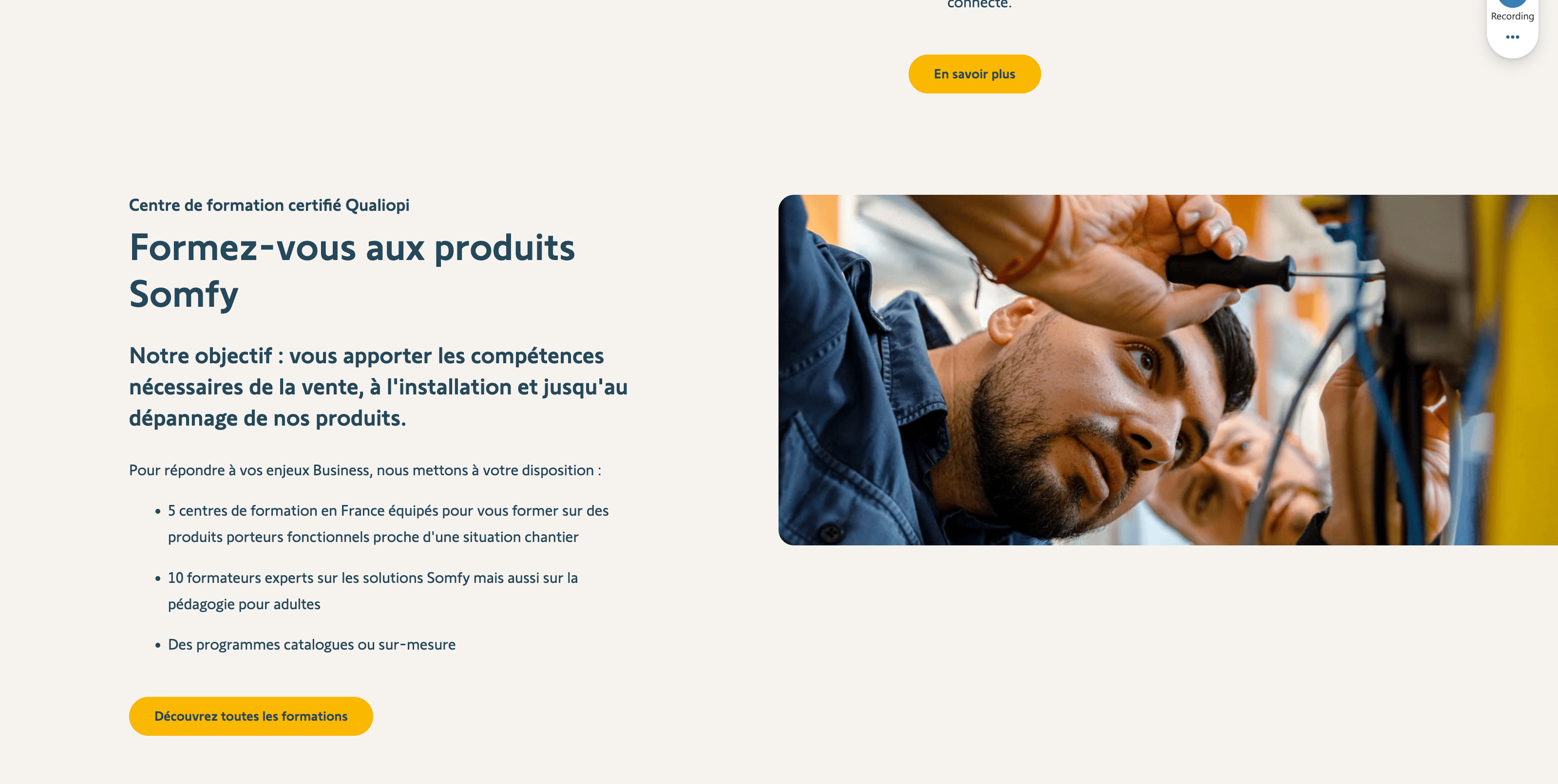
Clean small image
Avoid this
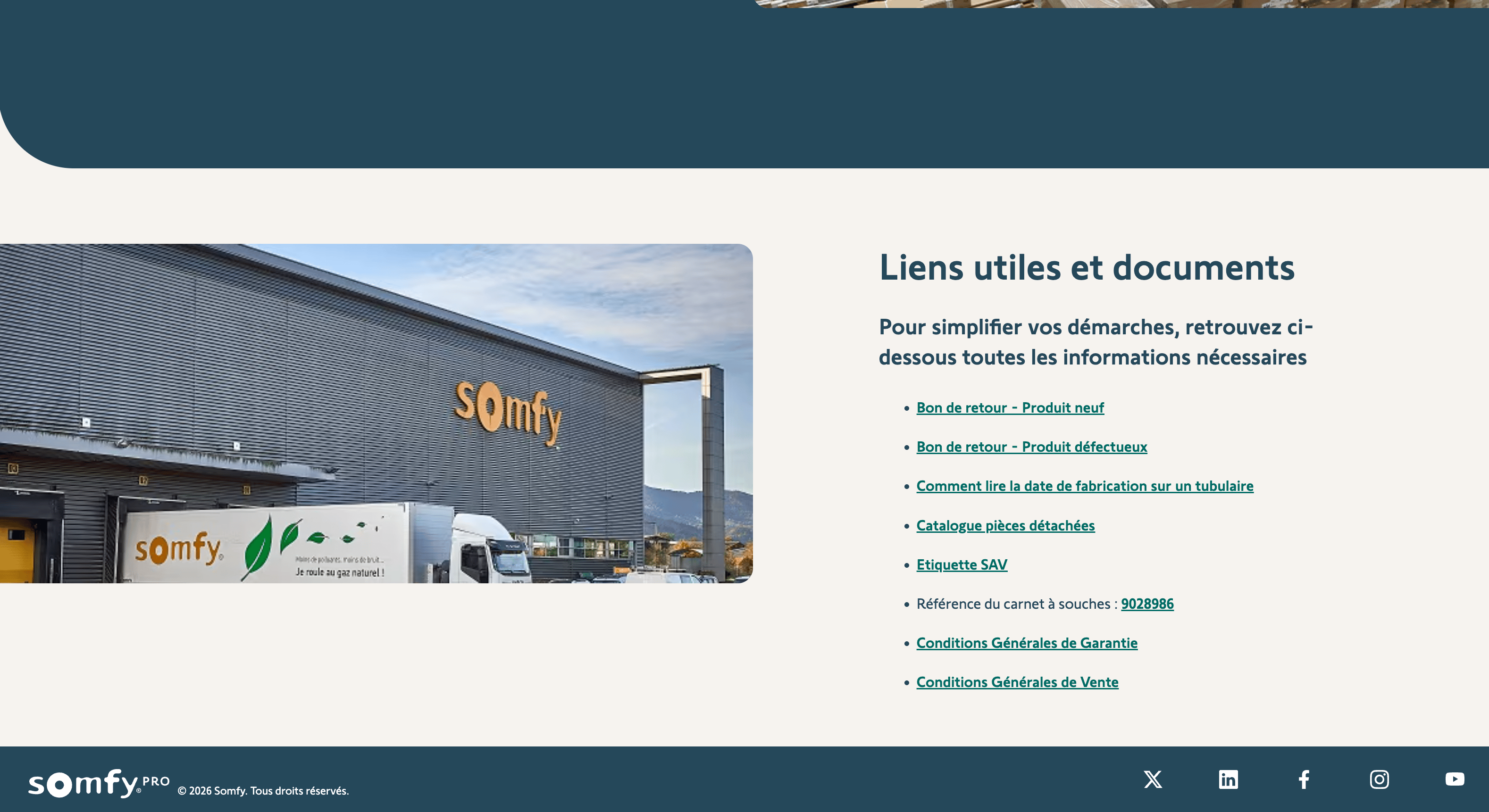
Pixelated, compressed small image
Try this
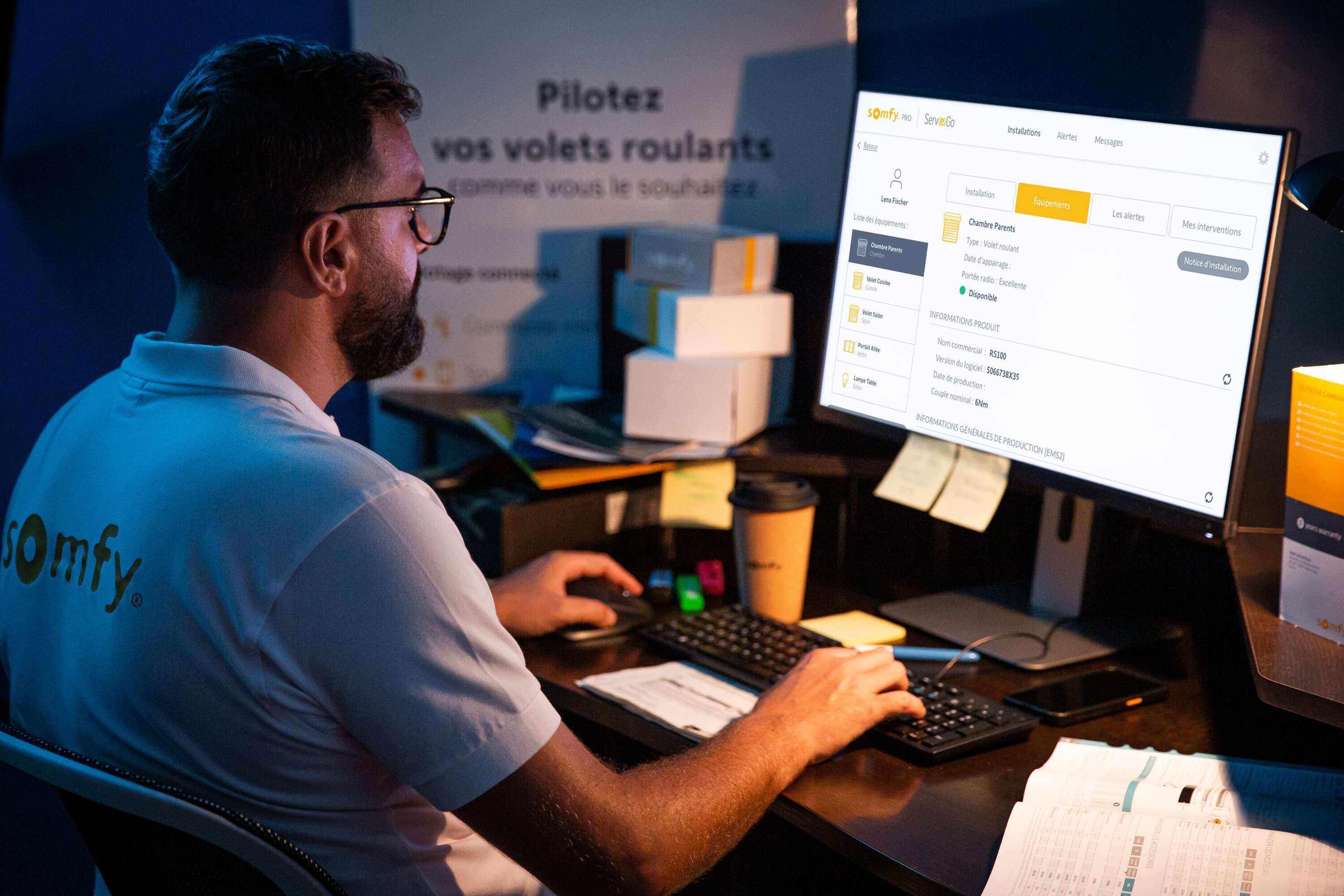
Clean large image
Avoid this
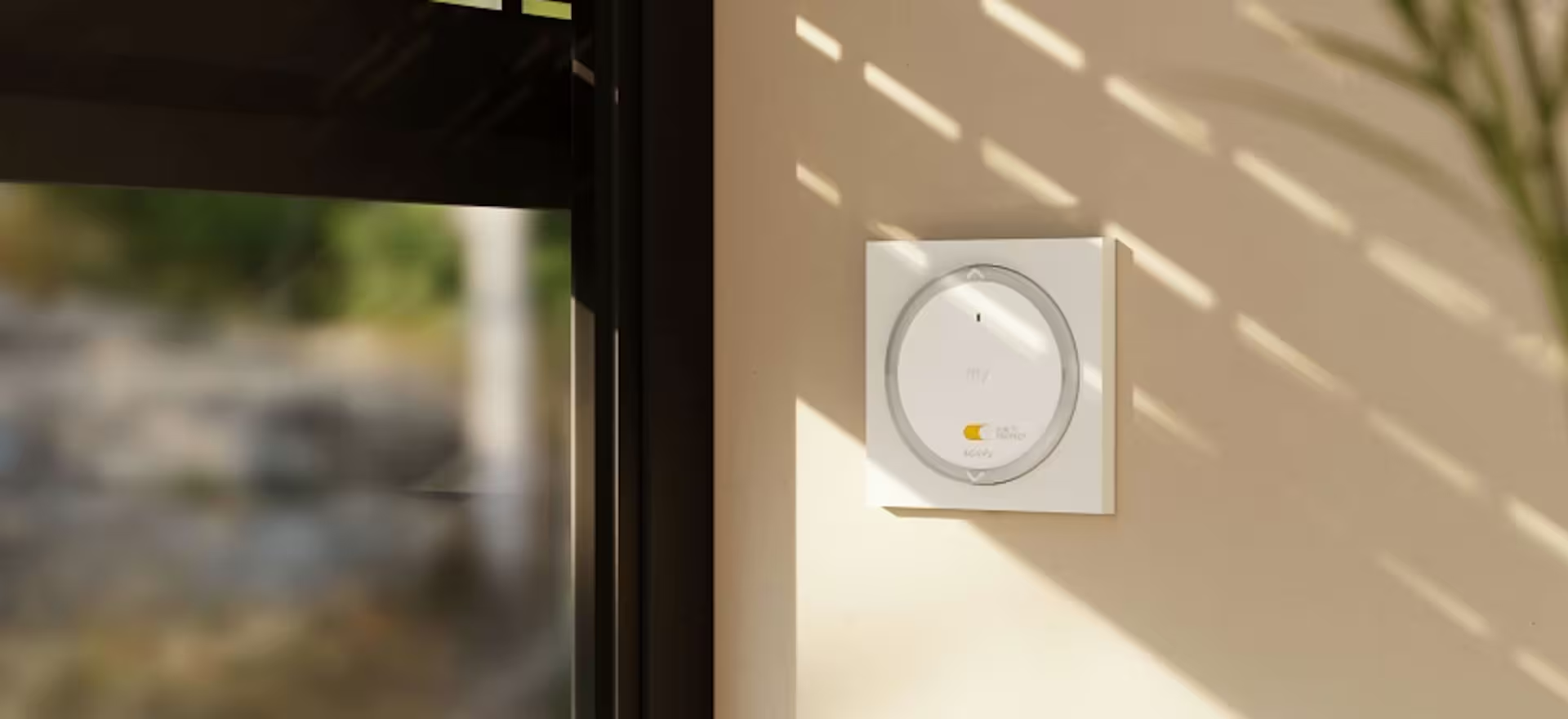
Blurry, stretched image
Minimum image dimension
- 1920 px width minimum for banner (full width) images. Aim for 2560px width
- 1200 px for content images
Sources and why’s
[1] How to optimise your images for the web, AdobeCommon Aspect Ratios, Cronyxdigital